PUSH Desktop
Live Wallpapers and Screensavers for Windows
Bring your screen to life with animated wallpapers and visual effects.
Download PUSH DesktopCompatible with Windows 11, Windows 10
Why PUSH Desktop?
Real-Time Live Effects
GPU sccelerated 3D effects and smooth animations bring your desktop to life.
Video & Image Support
Use videos, animations or static images. Create the perfect atmosphere your way.
4K & Multi-Monitor
Optimized for 4K, ultra-wide and multiple monitors configurations.
Lightweight Performance
Automatically pauses during games or full screen apps to save resources.
About PUSH Desktop
PUSH Desktop turns your Windows pc into a dynamic visual space with animated wallpapers, screensavers, and real-time effects.
Unlike traditional wallpaper applications focused on video playback alone, PUSH Desktop combines videos, images, and interactive visual effects in a single library. Browse curated content, organize playlists, create personalized desktop experiences, and switch between wallpapers automatically.
Whether you prefer subtle ambient motion, nature scenes, abstract visuals, or immersive desktop effects, PUSH Desktop makes it easy to keep your desktop fresh without sacrificing performance.
Designed for Windows users who want more than a static background, it delivers a polished live wallpaper experience with simple controls, efficient resource usage, and continuous content updates.
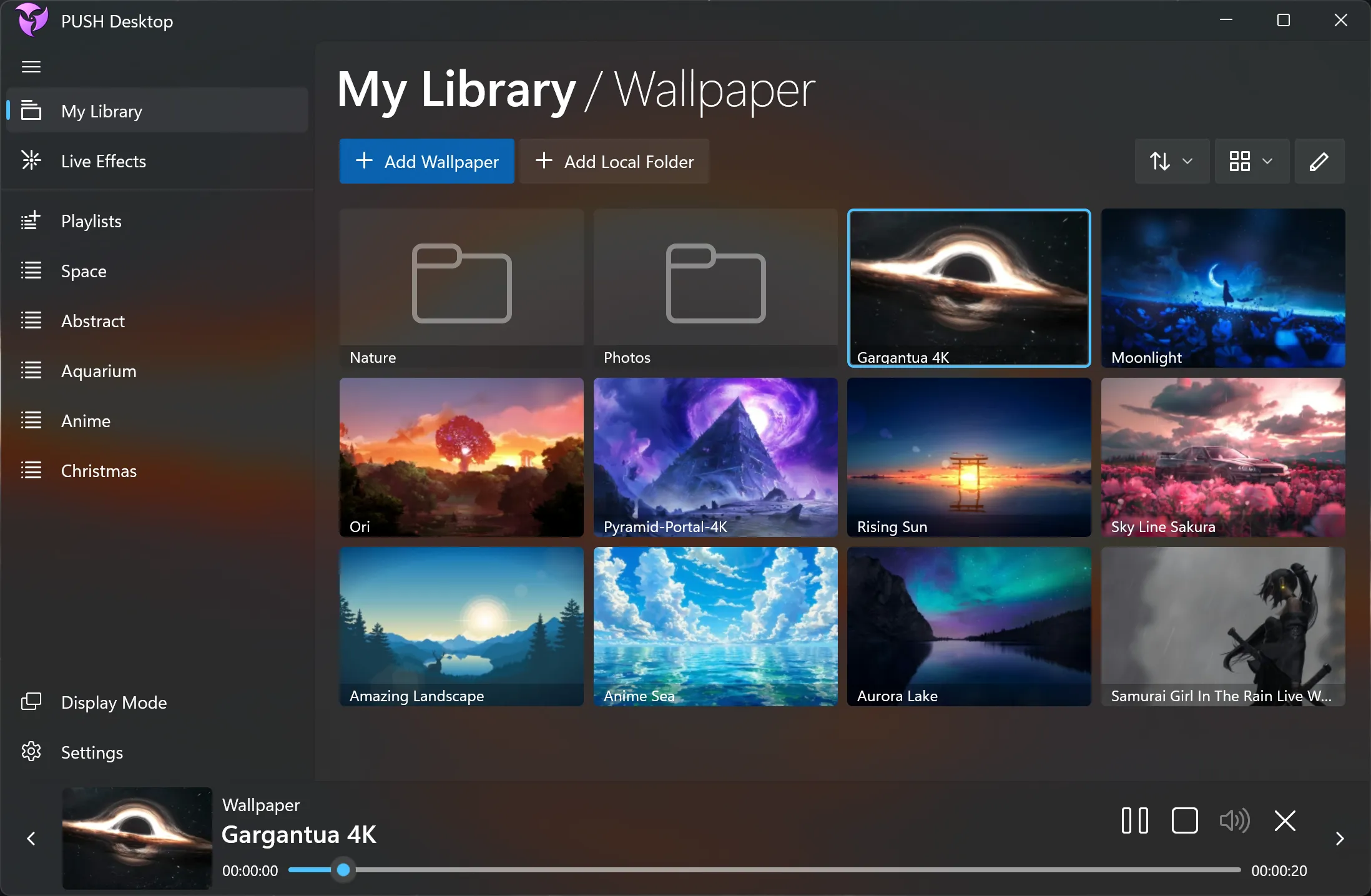
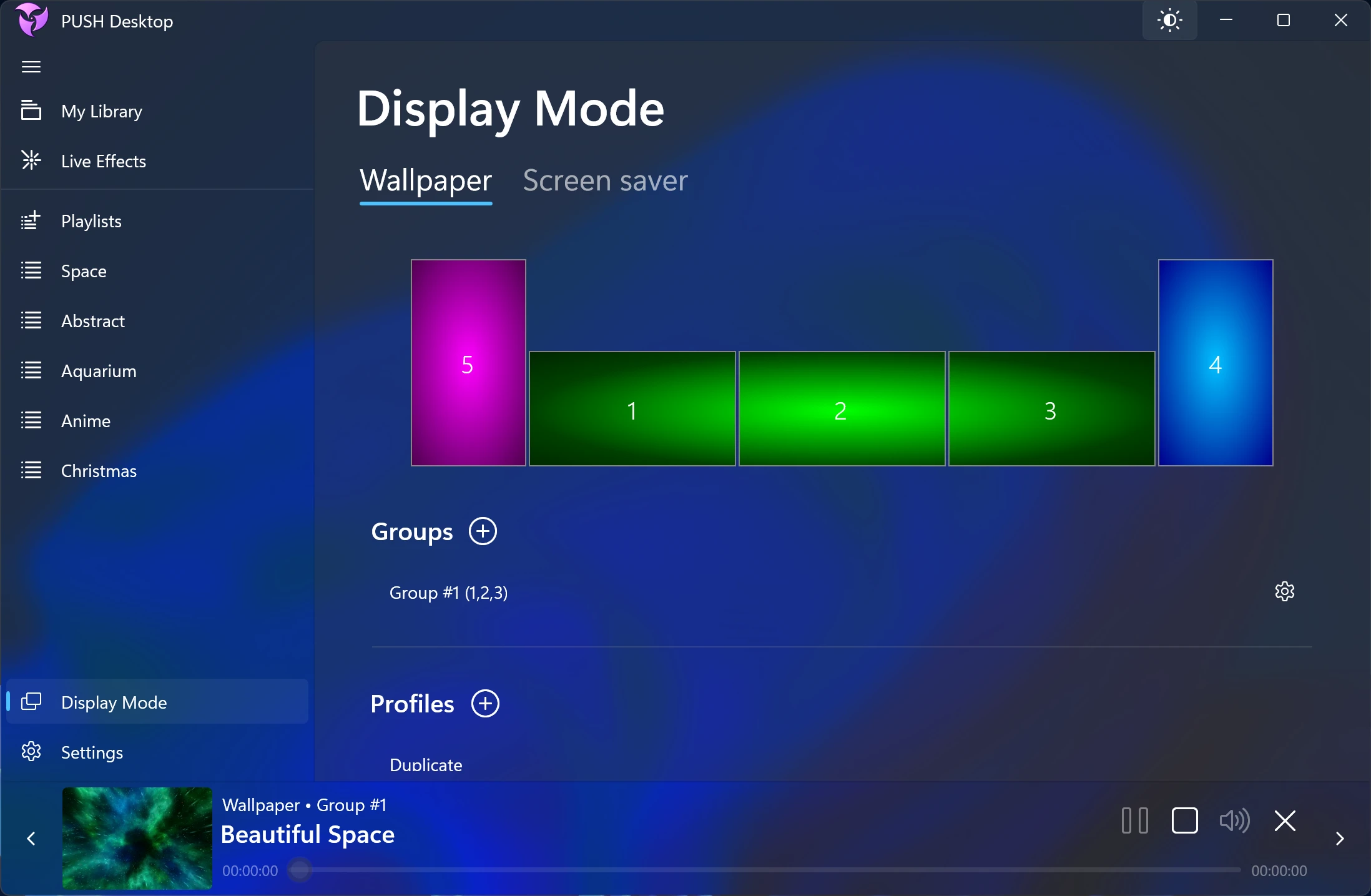
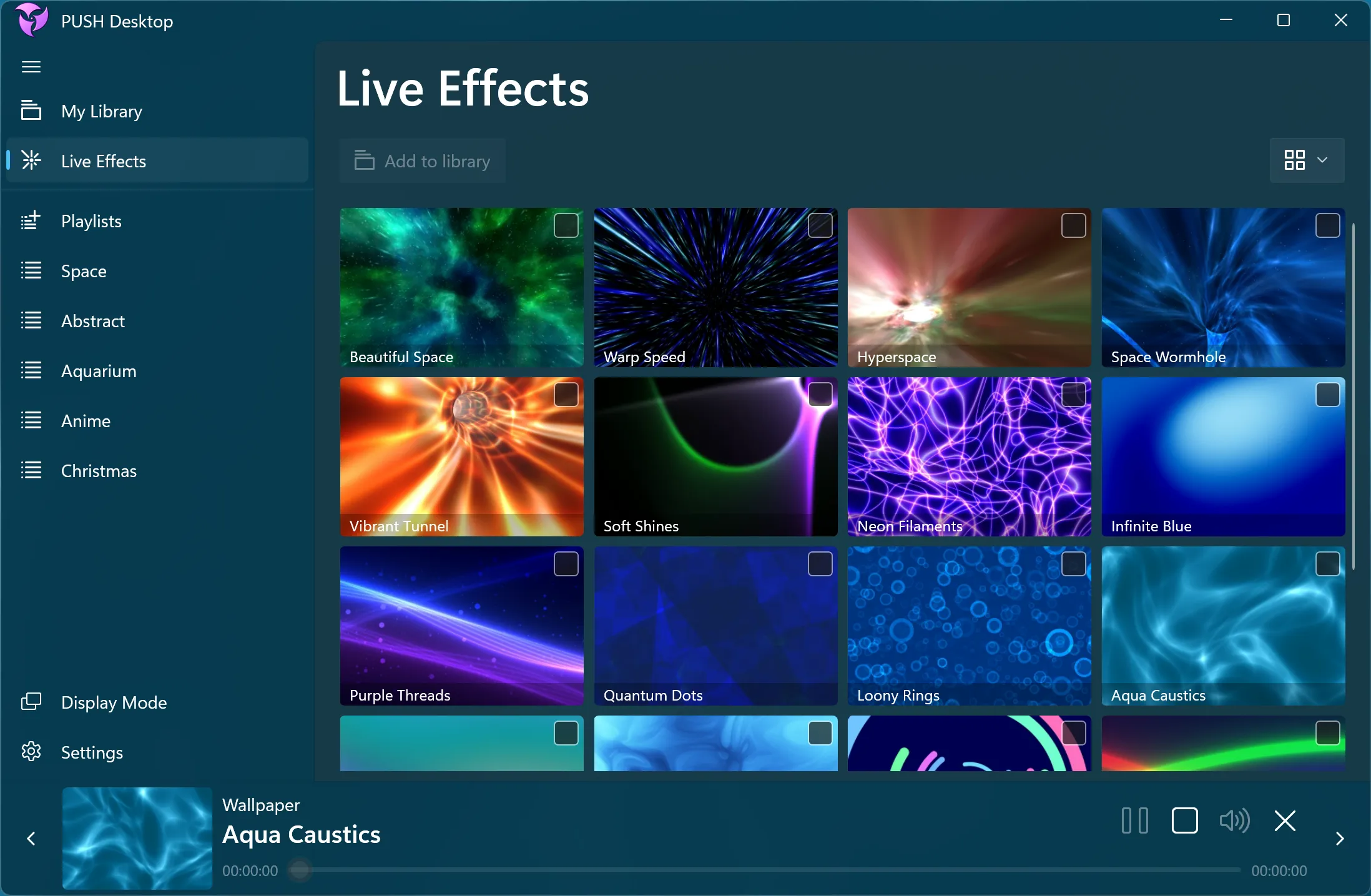
Featured Live Wallpapers

Frequently Asked Questions
Find answers to the most frequently asked questions about PUSH Desktop