Web Wallpapers for Windows
Turn Websites into Interactive Live Wallpapers
Bring websites, online services and interactive web experiences directly to your Windows desktop.
With PUSH Desktop, you can turn almost any compatible web page into a live wallpaper, from live webcams and video services to maps, weather dashboards and interactive visual effects.
Unlike traditional video wallpapers, web wallpapers display actual web content that can update continuously and respond to user interaction. Choose how your wallpaper behaves, customize mouse input, navigate between pages and enjoy web content across multiple monitors.
More Than Just a Web Page on Your Desktop
Web wallpapers open up many possibilities beyond traditional desktop backgrounds. Instead of displaying a static image or repeating video, you can use online content that changes, updates and responds to what you do.
Here are some popular ways to use web pages as desktop wallpapers:
- Live Webcams: Display live camera feeds from cities, beaches, mountains, nature reserves and other locations around the world.
- Video Services: Keep online video content and compatible video platforms visible directly on your desktop.
- Maps & Navigation: Display interactive maps, navigation tools, traffic information and location-based services.
- Weather & Information Dashboards: Keep weather forecasts, radar maps, live statistics and other constantly updated information at your fingertips.
- Interactive Visual Effects: Enjoy browser-based visual experiences, generative graphics and interactive scenes that respond to mouse movement.
These are just a few examples. Any compatible website or web application can potentially become your next desktop wallpaper.
Fully Customizable Mouse Interaction
One of the most powerful features of PUSH Desktop is the ability to control exactly how your web wallpaper receives mouse input.
Different websites require different types of interaction. An interactive visual effect may need to track your cursor position without responding to mouse clicks, while another web application may need clicks but not continuous pointer movement.
PUSH Desktop lets you configure these behaviors independently.
- Mouse Movement: Choose whether cursor movement is passed to the web page.
- Mouse Clicks: Independently control whether mouse clicks are delivered to the web content.
- Independent Input Control: Enable pointer movement without clicks, clicks without continuous pointer movement, both or neither.
- Modifier Key: Temporarily enables mouse interaction only while the Caps Lock key is held down.
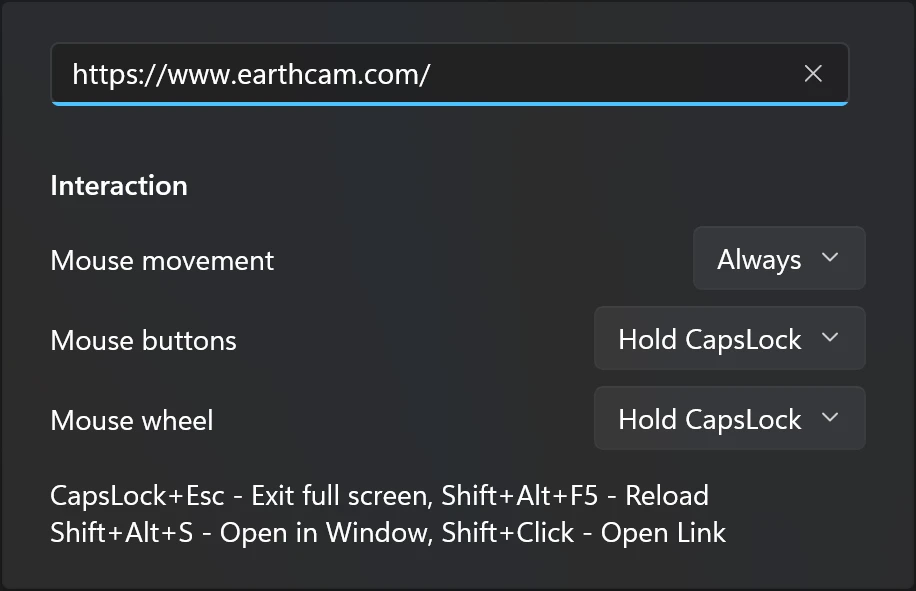
This flexibility makes it possible to keep your desktop fully interactive when needed without sacrificing convenient access to your regular Windows applications.
You can also leave mouse interaction disabled entirely, allowing you to use your computer normally while your web wallpaper remains visible in the background.
Convenient Navigation with the Built-In Mini Browser
Interacting with a web wallpaper doesn't have to interfere with your everyday desktop activities.
Press Alt + Shift + S to open the built-in mini browser. It provides a convenient way to navigate web pages, follow links, enter text and interact with website controls without having to open a separate full-size browser window.
Use it to search for content, change locations, enter information into forms or navigate to another page. Once you're finished, close the mini browser and return to your desktop.
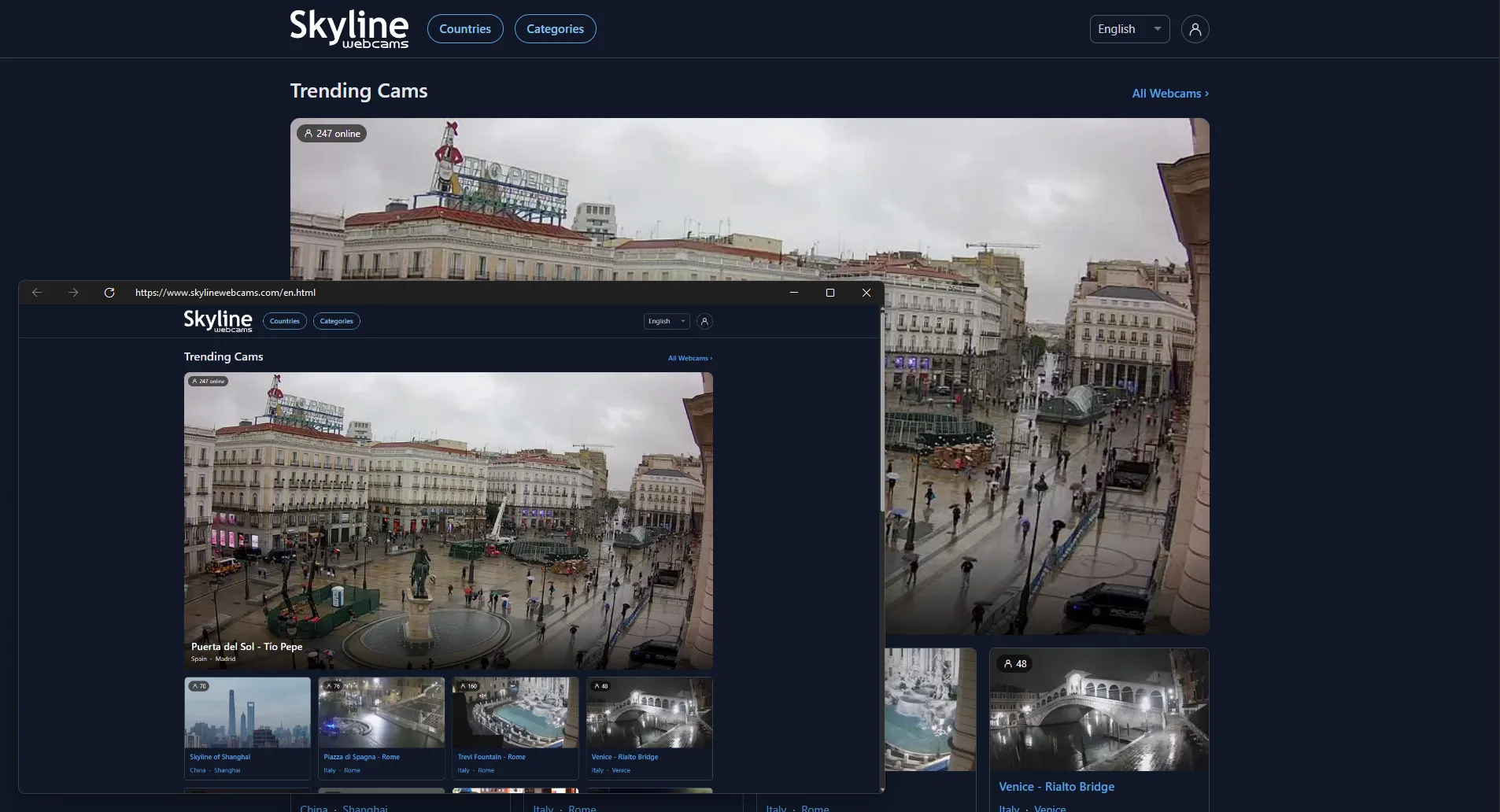
The combination of customizable mouse interaction and quick keyboard access makes web wallpapers much more practical for everyday use.
Web Wallpapers Across Multiple Monitors
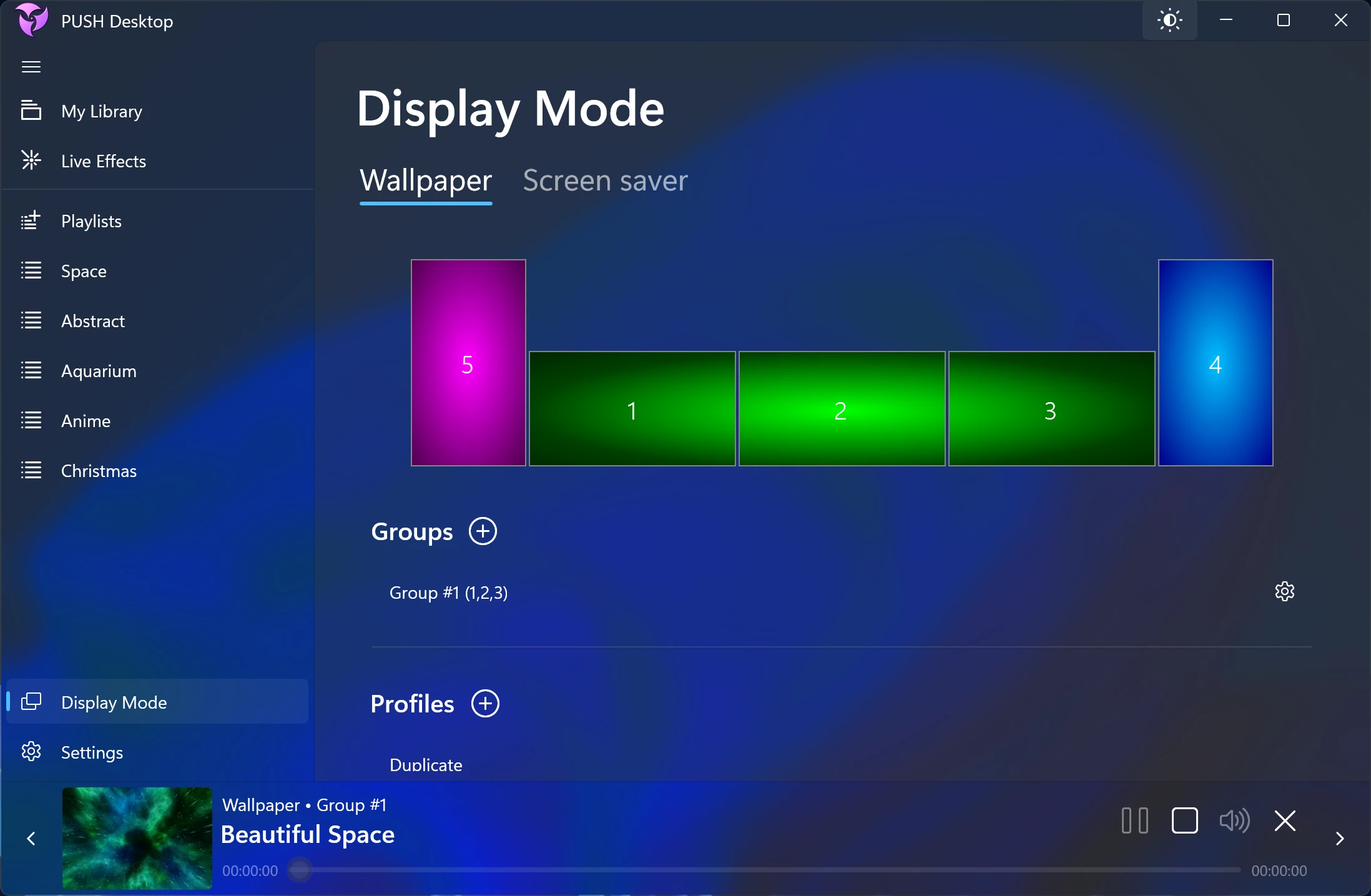
PUSH Desktop supports displaying web wallpapers across multiple monitors, allowing you to create a consistent web-based desktop environment on a multi-display setup.
You can use different display configurations and take advantage of the available output modes to arrange your web content across your screens.
In Clone mode, mouse pointer interaction works across all monitors. This means you can interact with your web wallpaper from any display instead of being restricted to a single screen.
Whether you use two monitors or a larger multi-display workspace, PUSH Desktop makes it convenient to enjoy and interact with web content across your entire desktop.
Powered by Microsoft WebView2
Web wallpapers in PUSH Desktop are rendered using Microsoft Edge WebView2, a Windows web content component based on the Microsoft Edge browser engine.
This allows PUSH Desktop to display modern websites and web applications directly within the desktop wallpaper environment, without requiring a separate browser window to remain open.
WebView2 maintains its browser profile in a folder located within your Windows user profile. This profile stores browser data required by websites, such as cookies and other site data, allowing supported websites to maintain their sessions and preferences.
Web pages still load their content from their respective online services. Website availability, login requirements, playback behavior and compatibility depend on the individual website.
Choose the Right Wallpaper Type
PUSH Desktop supports several ways to bring dynamic content to your Windows desktop. Web wallpapers are particularly useful when you want to display an entire interactive website rather than just a video or image.
Depending on the content you want to use, you can also choose from other wallpaper types:
- Video & Image Wallpapers: Use your own local video and image files as desktop backgrounds.
- YouTube Wallpapers: Add YouTube video links and display your favorite videos directly on your desktop.
- HLS Streaming Wallpapers: Use compatible HLS streaming URLs as live desktop wallpapers.
- Online Media Links: Add direct links to online video and image files, including MP4 and JPG URLs. Added items appear in My Library and can be used as wallpapers or screensavers.
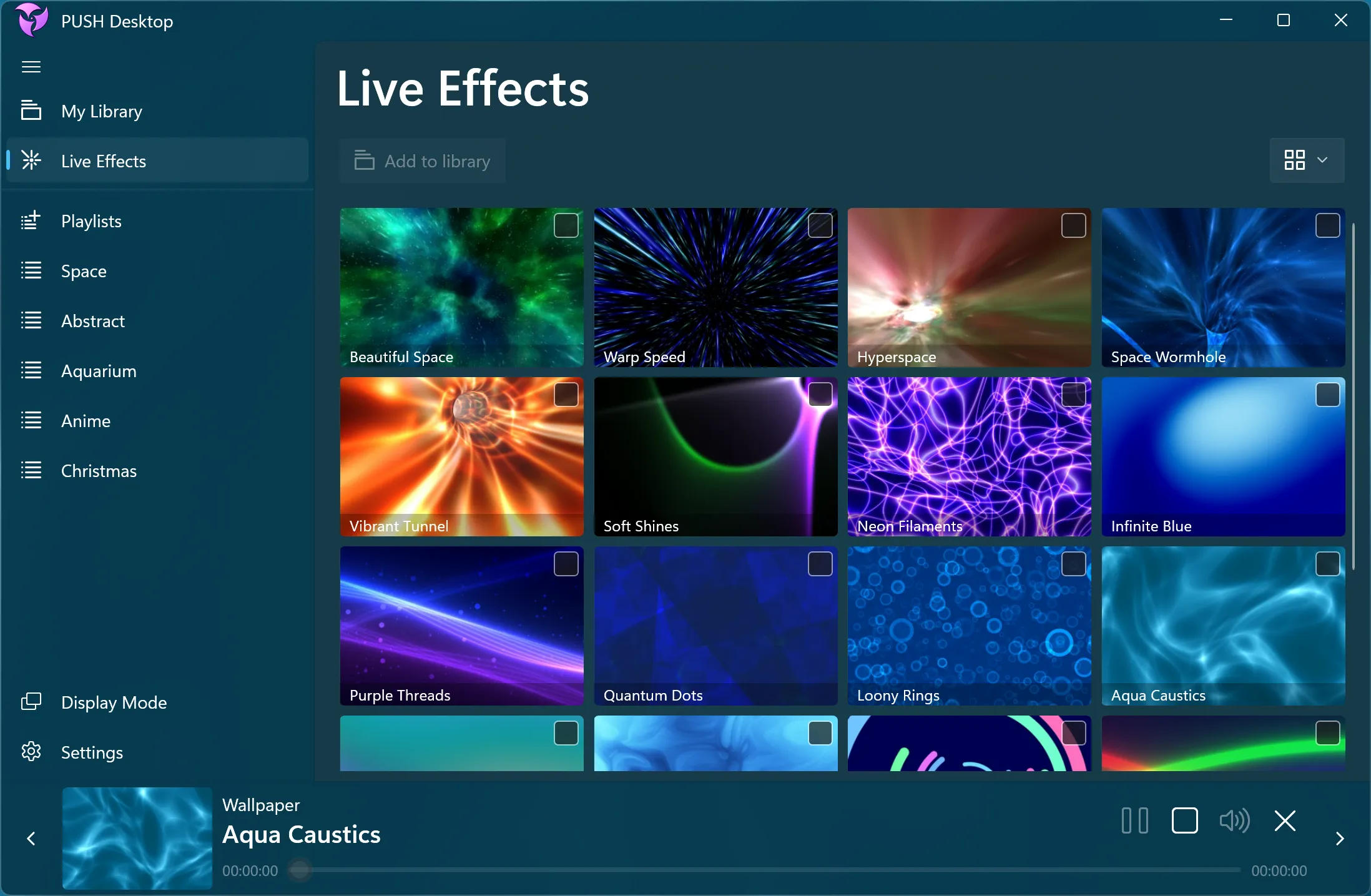
- Real-Time Live Effects: Enjoy original 2D and 3D visual scenes rendered dynamically using C++ and HLSL, without relying on a background browser.
All these content types can be organized in My Library, making it easy to manage your wallpapers and switch between different desktop experiences.
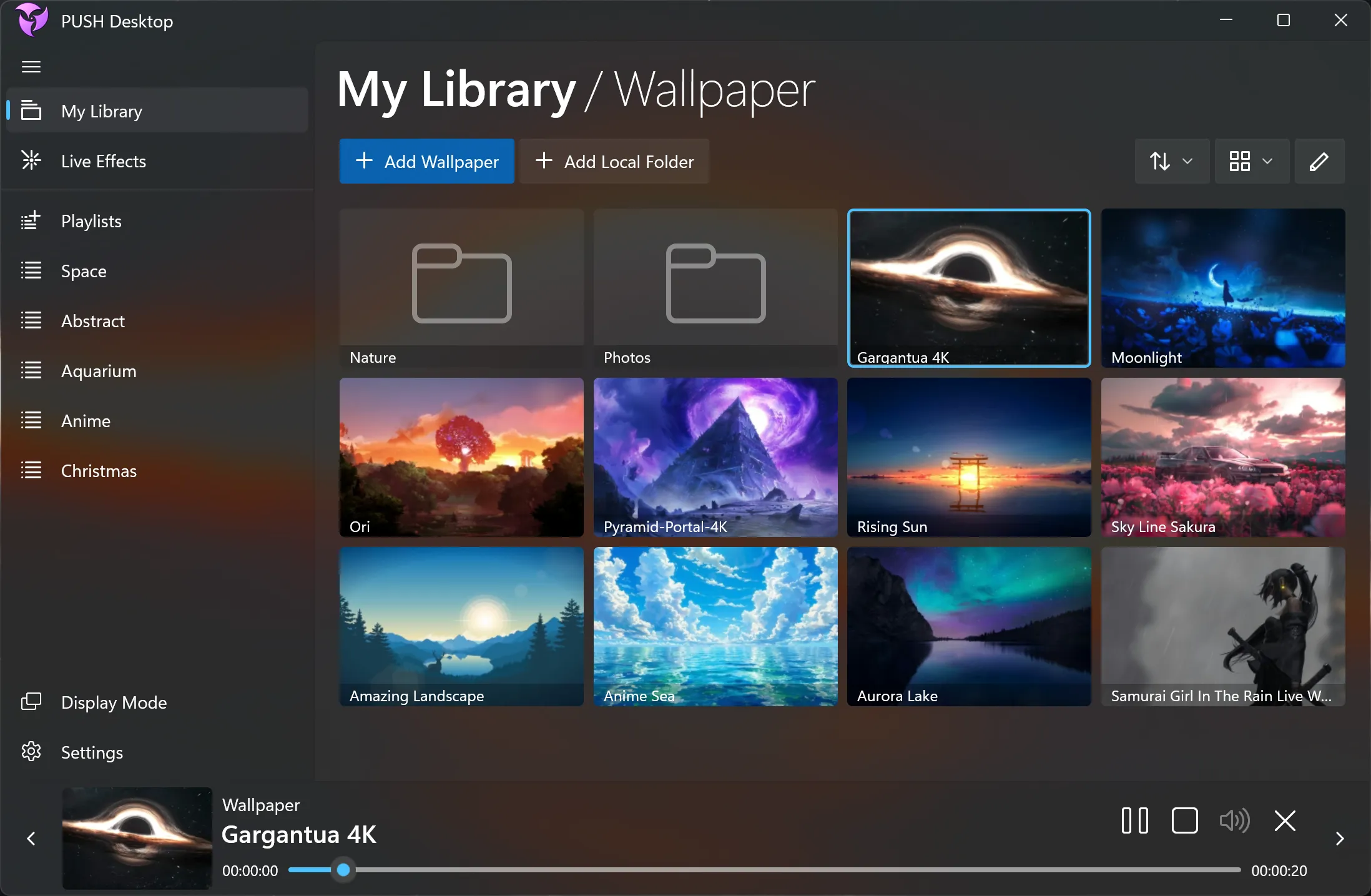
Download PUSH Desktop and discover a new way to use your Windows desktop.
Turn your favorite websites, live webcams, online services and interactive experiences into desktop wallpapers with PUSH Desktop.
Windows 11 / 10
Frequently Asked Questions
Find answers to common questions about Web Wallpapers in PUSH Desktop, its features and how to customize your Windows desktop.