YouTube Wallpapers for Windows
Use Your Favorite YouTube Videos as Live Wallpapers
Bring YouTube videos to your Windows desktop and enjoy familiar playback controls directly in PUSH Desktop. Play, pause, seek, adjust the volume and repeat videos - all from the same interface you use to manage your regular video wallpapers.
Full Playback Control, Right at Your Fingertips
YouTube Wallpapers integrate with PUSH Desktop's main playback controls, so managing a YouTube video feels just like playing a regular video file. There's no need to switch to a separate browser window to control playback.
- Play & Pause: Start or pause playback whenever you want.
- Seek : Move through the video timeline and jump to any moment.
- Volume Control: Adjust the playback volume independently.
- Loop : Repeat your favorite videos automatically.
Whether you're watching a relaxing nature scene, an ambient visual, a music video or something more dynamic, you stay in control of playback from one convenient place.
YouTube Videos in Your Wallpaper Library
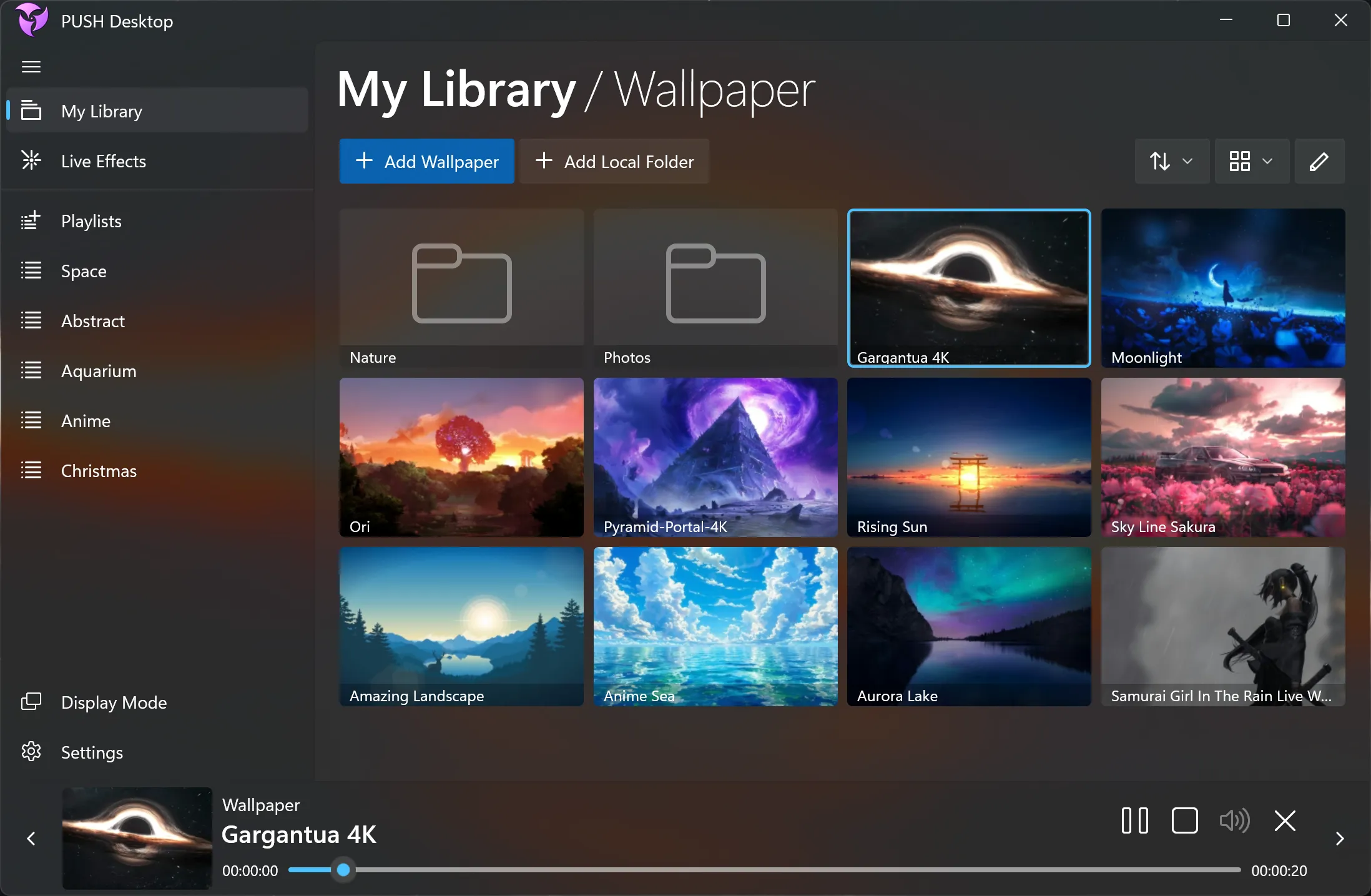
Keep your YouTube wallpapers alongside your other content in PUSH Desktop. Manage them from My Library and organize your favorite videos into playlists, making it easy to switch between different backgrounds.
You can combine YouTube content with local video files, images, web pages and Live Effects in one wallpaper library.
Stream Videos Directly from YouTube
You don't need to download a video or keep a separate video file on your computer. PUSH Desktop plays supported YouTube content directly from the service, so you can use online videos as wallpapers without managing local copies.
An internet connection is required for streaming. Video availability and playback may depend on YouTube's embedding permissions, regional restrictions and other content-specific limitations.
More Ways to Personalize Your Desktop
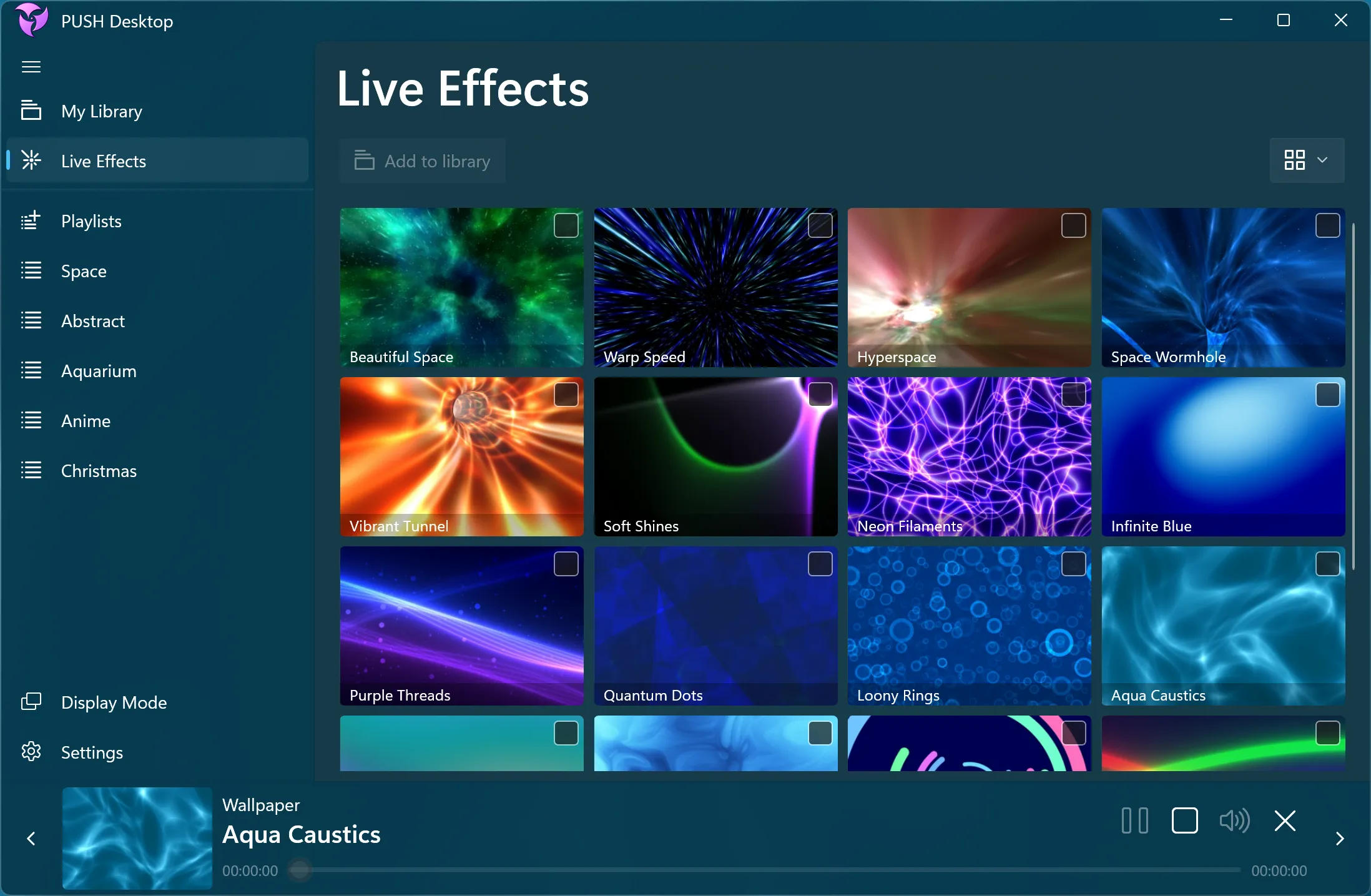
YouTube Wallpapers are one of several ways to bring online content to your desktop. PUSH Desktop also supports Web Wallpapers for displaying compatible websites, HLS streams and direct links to online media.
Download PUSH Desktop and make your favorite videos part of your desktop experience.
Turn your favorite YouTube videos into live wallpapers and control playback with the same convenient tools you use for your other desktop content.
Windows 11 / 10
Frequently Asked Questions
Find answers to common questions about YouTube Wallpapers in PUSH Desktop, its features and how to customize your Windows desktop.